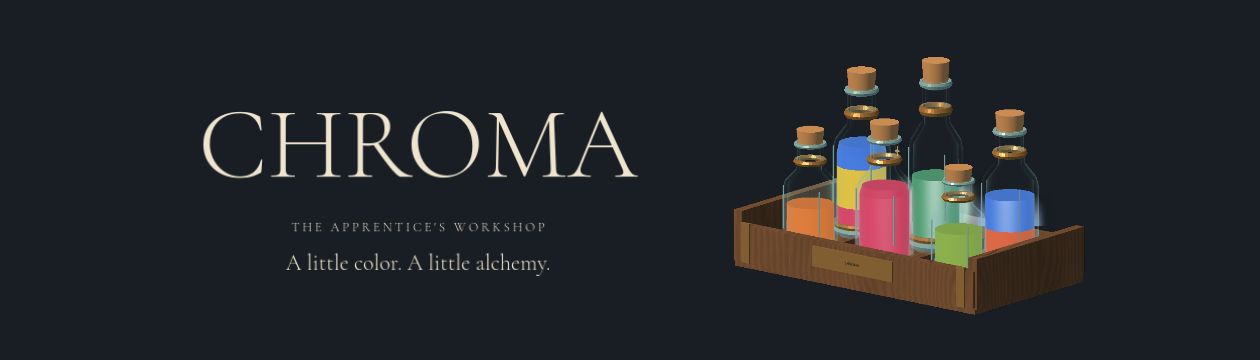
CHROMA: The Apprentice's Workshop
Made for Jamference: AI Game Jam Hack 2.
Theme: Crafting. Built for portrait touch play in a phone browser, with mouse support on desktop.
A little color. A little alchemy.
Your first week in the workshop begins with three pigments and a patient, slightly mischievous master. Learn to make something splendid: a perfect hue, a striped potion, a little bottled sunlight.
From apprentice to alchemist
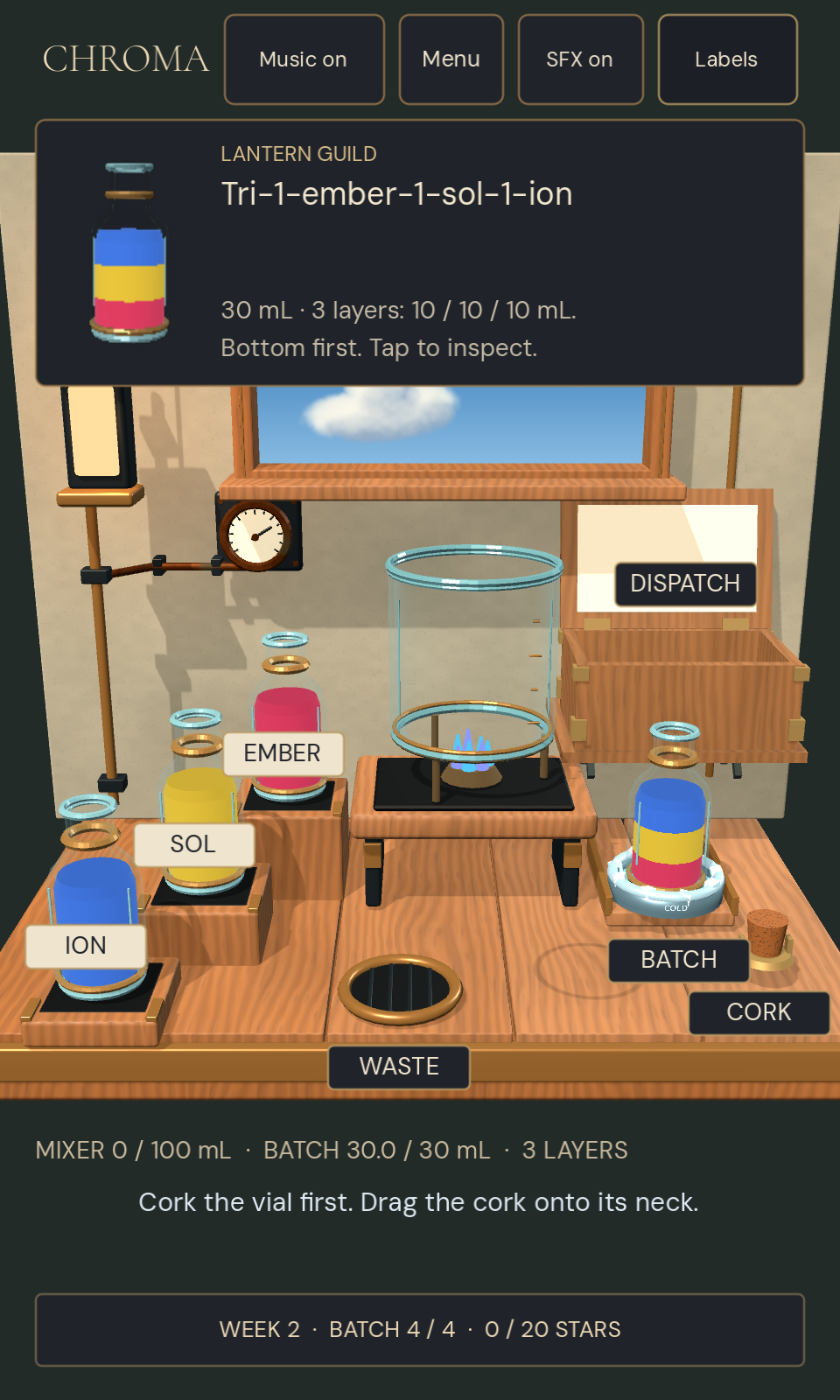
- Mix by hand. Pour pigments into the warm mixer and compare your color before bottling.
- Build beautiful potions. Cool your mixtures into separate layers, add measured flux drops for glow, and use the Prism to set colors cycling.
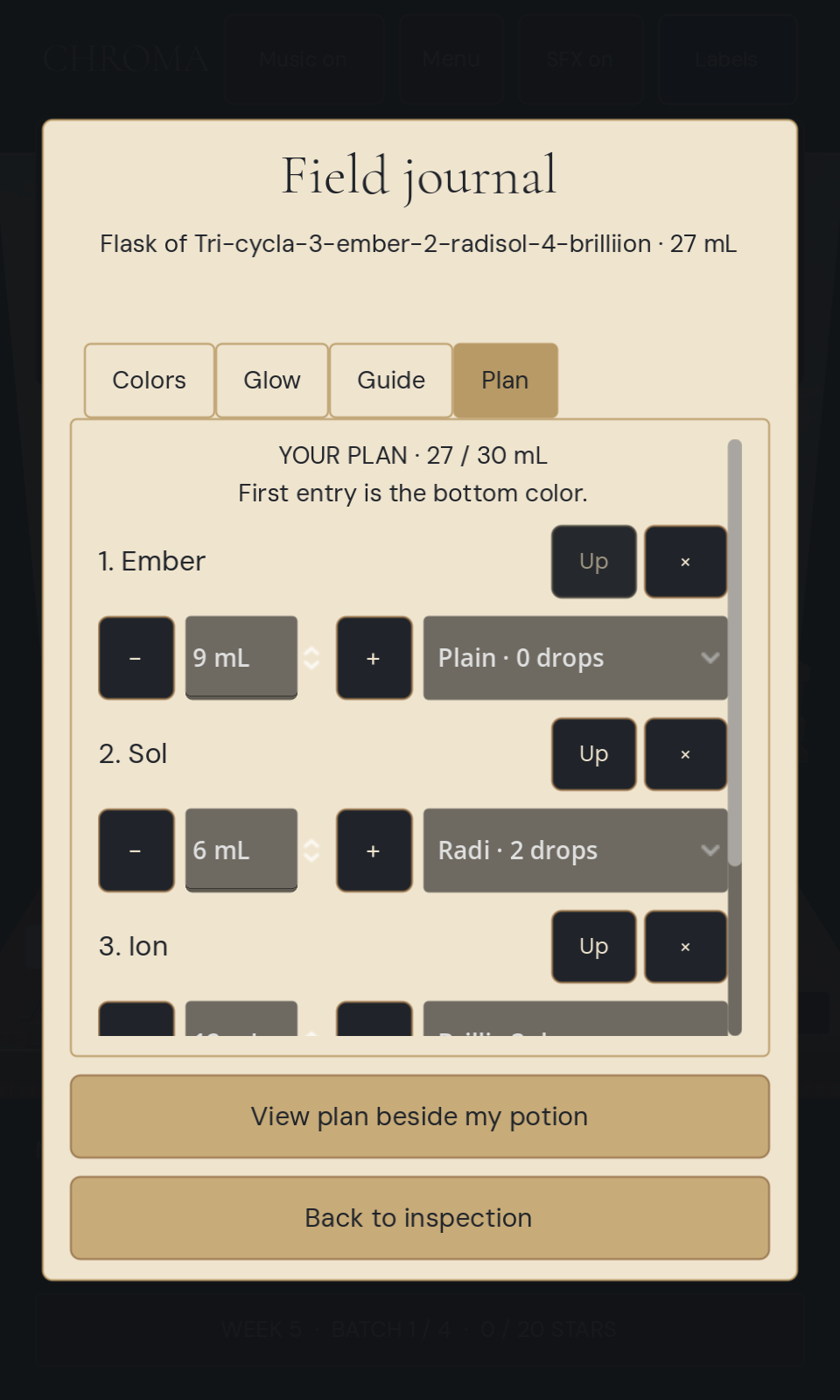
- Learn the language of alchemy. Consult your field journal and assemble a reference from a written potion name.
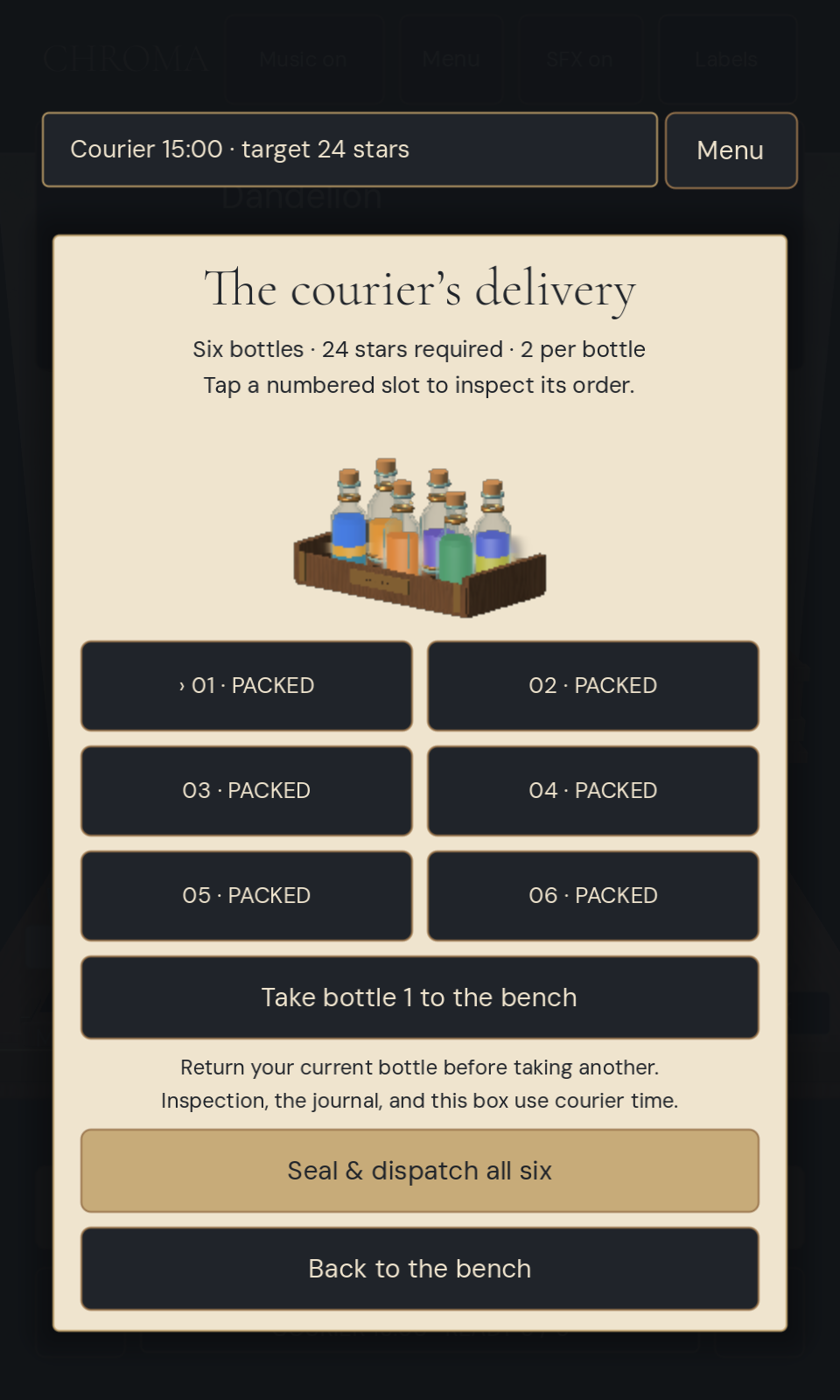
- Run the shop. Two years later, prepare a six-bottle delivery before the courier arrives. Your own shop could be next.
Five weeks of learning, four orders per week, and a final delivery challenge. Your best star ratings are saved in this browser.
How to play
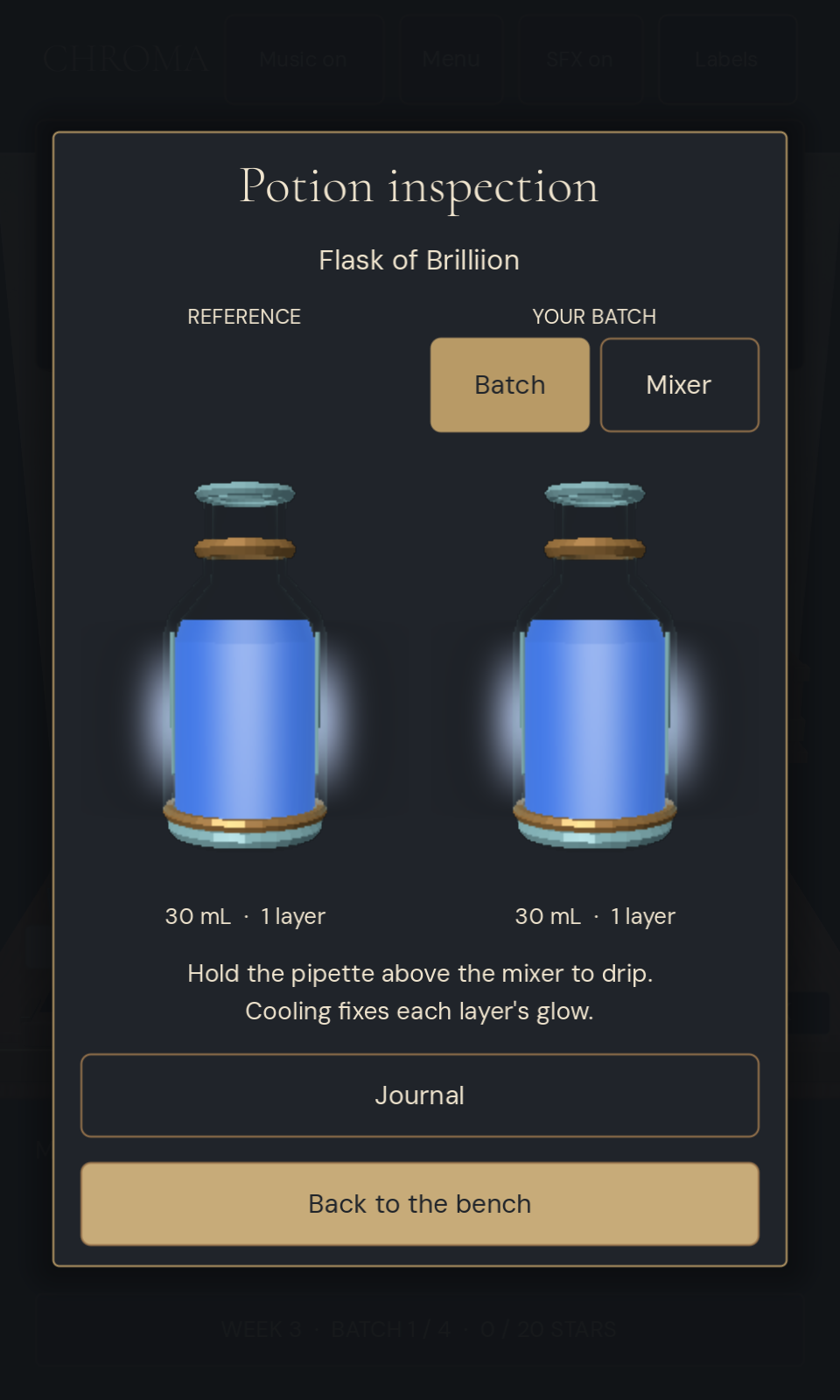
Play in portrait on your phone, or use a mouse. Drag a pigment vial over the mixer and hold to pour; release to stop. Tap the reference vial to inspect, then choose Mixer to check the warm mixture or Batch to check your finished bottle. Cork each potion and drag it into the delivery box.
The guided lessons are unscored and can be restarted or skipped. Menu opens week selection and pauses the finale's timer. Music and sound effects can be toggled at the top of the game.
Visual effects: Includes glowing and pulsing liquids, animated color changes, and a brief bright flash when activating the Prism.
Playtest build
All five weeks and the finale are currently available from the start. The finale allows 15 minutes for one delivery of six potions. Feedback on touch controls, readability, and pacing is welcome.
Team & AI use
Seshu — solo creator: creative direction, game design decisions, art and audio direction, selection of generated music, and hands-on phone playtesting. CHROMA was developed iteratively with AI tools:
- OpenAI Codex: development partner for brainstorming and design iteration; Godot gameplay and UI code; recipe generation, scoring, naming and journal systems; procedural Blender asset scripts and Godot scene construction; liquid, glow, steam and cycle shaders and animation; story, tutorial and page copy; audio preparation and integration; automated tests, debugging, web exports and itch page setup. Seshu directed the work and reviewed playable builds throughout.
- Suno v6: generated the six background music tracks, supplied and selected by Seshu. Apothecary Mix joins the main rotation; Ticking Pressure is exclusive to the finale, and Ticking Pressure (1) also plays in Weeks 4–5.
- ElevenLabs Sound Effects: generated pouring, draining, glass placement, corking, uncorking, box closure and review sounds. Selected takes were trimmed and normalized for responsive playback on phone speakers.
AI was used during development. The game's recipes, names and scoring run locally as programmed systems; playing does not make live AI requests. The page's cover, banner and gameplay screenshots are rendered from the game's 3D assets.
Engine: Godot. 3D asset tools: Blender. Fonts: Cormorant Garamond and DM Sans (SIL Open Font License).
Gameplay statistics
CHROMA uses PostHog for anonymous gameplay statistics to help improve tutorials and controls. You can turn this off with Anonymous stats on the game menu. Your game progress stays in your browser.
Comments
Log in with itch.io to leave a comment.
Thoroughly enjoyed this game! Played through the weeks using my phone and all the elements worked smoothly.
The guided practice was fantastic! I gained a quick understanding of what was needed for each week and how to achieve success. The build up between each week was very helpful too.
The design is simple yet mesmerizing and the gameplay intoxicating. Very addictive and matches the potion brewing fantasy theme! I enjoyed the o-chem style labeling to identify all the structural parts of the potions.
Overall a great game! Very cozy - had me working through some trial and error, but never too challenging that I couldn’t achieve the final target at the end.
Played all of Week 1 in portrait at phone size. Fair warning: a script drove the touch input for me, at roughly 10 FPS on software rendering, so my releases land late.
The guided practice is the best tutorial I have played in this jam - it pauses the pour exactly at the target, so it cannot be failed, and the Reference / Batch inspection side by side teaches the whole loop with almost no text.
Scored shift: 10 1/2 out of 20, and three of my four orders came back "too much potion", never too little. There seems to be a floor on a pour: drag a pigment over the mixer and release instantly, with no hold at all, and the mixer already reads 25 / 100 mL. 150 ms of hold only adds 2 mL more. Order 03 asked for 13 mL and I delivered 30.0. Ramping the flow up over the first second, or letting the product vial stop at the ordered amount the way the lesson stops the mixer, would fix it.
Beautiful object - the glass and the liquids look expensive.